
Problem
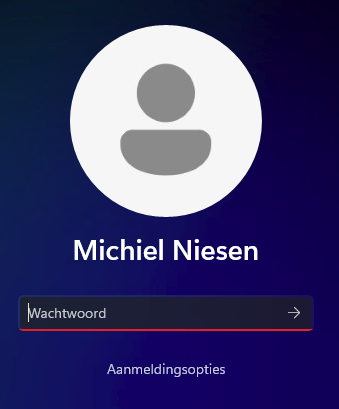
After choosing an image for your windows user and you want the default again, you won’t get the transparent look on the lock screen by default.
Solution
- Go to Settings > Accounts > Your Info (or open this link:
ms-settings:yourinfoin a browser) - Under Adjust your photo, select Choose a file > Browse files
- In that file picker go to
C:\ProgramData\Microsoft\User Account Picturesand select user.bmp - Now you see that the image is correct, but when you lock the device, the image isn’t transparent.
- Download PsExec and extract the .zip file.
- Now run the command
PsExec.exe -s -i cmd.exeto open cmd as system. - In the cmd window that just opened run the command
regedit - In the now opened regedit (as system), go to
HKEY_LOCAL_MACHINE\SOFTWARE\Microsoft\Windows\CurrentVersion\AccountPicture\Users\ - In the key you see subkeys named with ssid’s of the users that have changed their image before. Now find your key. If you don’t know your ssid, use the command
wmic useraccount get name,sid - Remove your ssid key or add .old at the end of the key’s name.
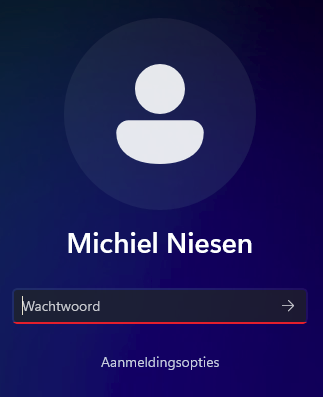
- Now when your lock your device you see the transparent image again.
Posted by Michiel Niesen on Github Gist: https://gist.github.com/mniesen/c82729ec7b8baae9573ab092b07ba22e